Hey there, how’s it going?
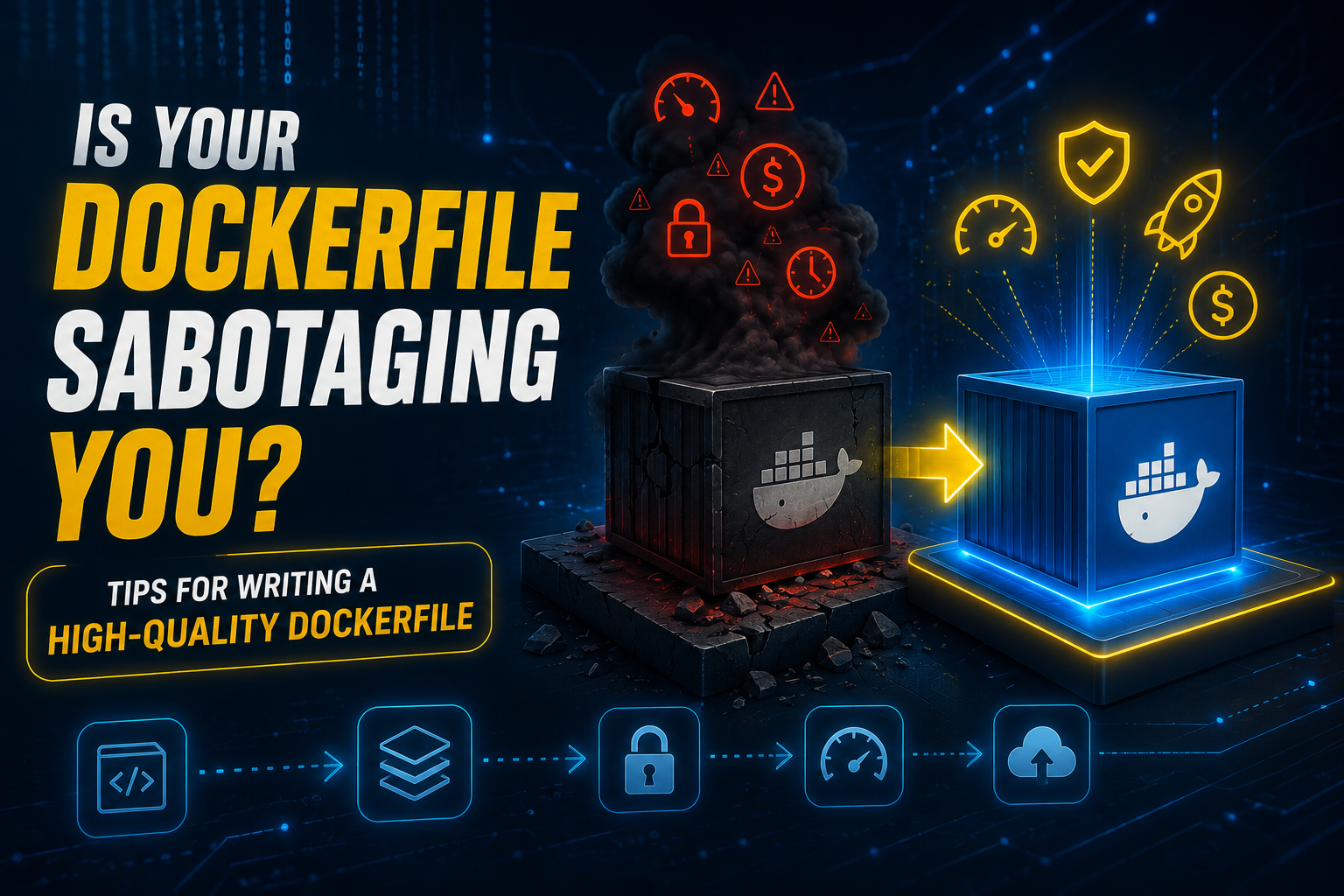
Docker is already a consolidated technology in the market. And precisely because of that, a lot of people treat the Dockerfile as something simple, solved, almost automatic. But that’s exactly where many projects fail.
The way you write your Dockerfile can compromise:
- your build time
- how fast your containers start
- the security of your application
- error traceability
- your storage costs
- and even the efficiency of your tests and deployments
In today’s newsletter, we’ll go through some fundamental practices to guarantee a clean, lightweight, and reliable Dockerfile. And because I’m an SRE at heart, I’ll tie each one back to what really matters: reliability, cost, and reducing your blast radius.
1. Use lean base images
Avoid generic images like ubuntu:latest. Prefer slim, distroless, or language-specific versions. There are also some great alpine images out there.
FROM python:3.11-slim
Why it matters: a generic ubuntu base can carry hundreds of packages, compilers, and libraries your app never uses. Each one adds megabytes, download time, and potential CVEs. A lean base gives you a smaller, faster, more auditable image — the definition of high quality: only what you actually need.
SRE angle: every package you don’t ship is one you’ll never patch, monitor, or explain during an incident. A smaller image means a smaller attack surface and less toil keeping vulnerabilities under control.
2. Be explicit with versions
Never trust latest. It compromises the predictability of your build. I’ve literally seen teams ride latest happily until a runtime update broke everything overnight.
FROM node:18.17.1
Why it matters: latest is a moving target — the image behind that tag changes without notice. Pinning an exact version means the build you run today is the build you run in six months. High quality here is predictability: no surprise breakage from an upstream update you never asked for.
SRE angle: reproducibility is the foundation of reliability. If you can’t rebuild the exact same image six months from now, you can’t trust your rollbacks — and rollback is often your fastest incident mitigation.
3. Organize your build to leverage cache
In Docker, each instruction creates a layer that can be reused in future builds. If you copy all your code before installing dependencies, any tiny change (even a comment) invalidates the cache and forces a full reinstall.
The correct approach is to copy only the dependency file first (requirements.txt, package.json, etc.), install the packages, and only then copy the rest of the code. That way the dependency cache is only rebuilt when the dependencies actually change — speeding up the build significantly.
COPY requirements.txt .
RUN pip install -r requirements.txt
COPY . .
Why it matters: dependencies change far less often than your source code. By ordering the layers so dependencies are cached separately, a one-line code change rebuilds in seconds instead of reinstalling everything from scratch. A high-quality Dockerfile respects Docker’s layer model instead of fighting it.
SRE angle: faster builds mean faster feedback loops and faster deploys. That directly shrinks your Mean Time To Recovery when you need to ship a fix under pressure.
4. Use .dockerignore
During the build, Docker sends the entire contents of the directory to the build context. If you don’t filter anything, that includes folders and files with zero use in the image — like .git, node_modules, logs, or temporary files.
A well-configured .dockerignore:
- speeds up the build, because less data is sent;
- reduces image size, since nothing unnecessary ends up inside it;
- prevents leaks of sensitive information, like keys, local configs, or code history.
.git
node_modules
*.log
*.env
SRE angle: a leaked .env or .git history baked into an image is an incident waiting to happen. Filtering the build context is cheap insurance against shipping secrets into every environment.
5. Group commands into a single RUN
Each RUN instruction creates a new layer in the image. If you spread out several instructions (RUN apt-get update, then another RUN apt-get install, and so on), you’ll end up with many extra layers, increasing the final image size and making maintenance harder.
The recommended practice is to group related commands into a single instruction and always clean up temporary caches at the end:
RUN apt-get update \
  && apt-get install -y curl \
  && rm -rf /var/lib/apt/lists/*
This way you keep fewer layers, reduce image size, and avoid accumulating temporary files that would never be used in the running container.
SRE angle: fewer, well-understood layers mean a smaller image and a simpler mental model when you’re debugging what’s actually inside a container at 3 a.m. Simplicity is a reliability feature.
6. Define ENTRYPOINT and CMD correctly
In Docker, ENTRYPOINT and CMD have different but complementary roles:
ENTRYPOINTdefines the main command that will always run.CMDdefines default parameters or values that can be overridden when running the container.
Using both together, you create images that are more flexible and predictable.
ENTRYPOINT ["python"]
CMD ["app.py"]
Here, the container always starts the Python interpreter (ENTRYPOINT), runs app.py by default (CMD), and lets you override just the argument when needed:
docker run my-image another_script.py
ENTRYPOINT guarantees consistency, CMD gives you flexibility.
Why it matters: mixing these up (or dumping everything into a single CMD) leads to containers that behave differently depending on how they’re launched. Getting them right makes the container’s contract explicit — anyone reading the Dockerfile knows exactly what runs and what can be overridden. That clarity is what separates a high-quality image from a fragile one.
SRE angle: predictable startup behavior means predictable orchestration. Health checks, restarts, and rollouts all depend on the container doing the same thing every single time it boots.
7. Configure HEALTHCHECK
The HEALTHCHECK ensures Docker actually knows whether the container is working. Without it, a container can be “running” but completely unavailable.
HEALTHCHECK CMD curl --fail <http://localhost:8080/health> || exit 1
SRE angle: this is self-healing in its simplest form. Orchestrators like Kubernetes or Docker Swarm can automatically restart or remove failing containers — remediation before a human is ever paged. That’s automation doing exactly what it should.
8. Never expose sensitive variables
Never put secrets, tokens, or credentials directly in the Dockerfile or in instructions like ENV. That information gets baked into the image layers and can be easily recovered. (Remember the 12-Factor App?)
The ideal approach is to:
- Use environment variables defined at deploy time;
- Or adopt dedicated secret management tools like Vault, AWS Secrets Manager, SSM, or GCP Secret Manager.
That keeps the image secure and avoids exposing critical data across every environment where it runs.
SRE angle: secrets in an image are permanent — they live in the layer history even if you “remove” them later. Keeping credentials out of the build is the difference between a quiet rotation and a full-blown security incident.
9. Use multi-stage builds — SERIOUSLY, USE THEM!
Multi-stage builds let you separate the build process from the runtime one, making the final image lighter and safer.
# Build stage
FROM golang:1.20 AS builder
WORKDIR /app
COPY . .
RUN go build -o app

# Final stage (only the necessary binary)
FROM golang:1.20-alpine
COPY --from=builder /app/app /app/app
ENTRYPOINT ["/app/app"]
Notice that we use a larger image (golang:1.20) to compile the app, then copy only the final binary into a smaller image (golang:1.20-alpine).
Benefits:
- The final image contains only what’s needed to run.
- Build tools and libraries never reach production.
- It drastically reduces image size and attack surface.
Why it matters: shipping your compiler, package manager, and build dependencies to production is pure waste — extra weight and extra risk with zero runtime value. Multi-stage builds give you the best of both worlds: a full toolchain to build with, and a minimal image to run. This is arguably the single biggest quality upgrade you can make to a Dockerfile.
SRE angle: a runtime image with nothing but your binary is easier to secure, faster to pull, and far quicker to scale out when traffic spikes. Less surface, less toil, faster recovery.
Conclusion
The Dockerfile might look like just a technical detail, but it defines a lot of your system’s performance, security, and predictability. A well-written file avoids unnecessary costs, speeds up your delivery cycles, and increases confidence in your production environments.
In the end, it’s not just about “running a container.” It’s about building a solid foundation so your application is genuinely modern, resilient, and high-quality — the kind of simplicity SRE keeps preaching, because fewer moving parts means fewer ways to fail.
This is just one of the many decisions we face day to day working with applications and infrastructure. If you enjoy this kind of content, with real context, practical examples, and no hand-waving, keep watching for the next newsletters.
Cheers,
Douglas Mugnos
MUGNOS-IT